
15+ Best Social Media Marketing Tools for Businesses in 2026
A simple guide to the best tools for content creation, scheduling, analytics, engagement, and social media management.
Introduction
Social media marketing involves more than posting regularly. Businesses need to create content, schedule posts, respond to customers, track results, and generate leads. Managing everything manually can quickly become difficult.
This is where social media marketing tools can help. The right tools can save time, organize your workflow, and make it easier to understand what is working.
The important part is choosing tools based on your actual business needs. You do not need every tool available.
Table of Contents
What Are Social Media Marketing Tools?
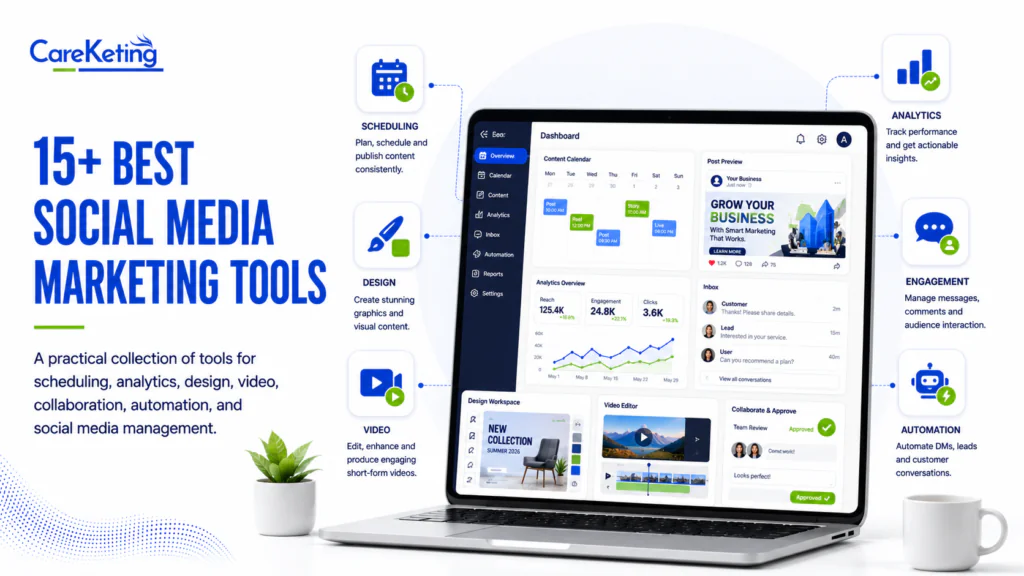
Social media marketing tools are software platforms that help businesses create, publish, schedule, manage, monitor, and analyze social media content.
For example, Canva can help with graphics, CapCut with videos, and Buffer with scheduling. Some platforms combine several functions in one dashboard.
15+ Best Social Media Marketing Tools
1. Buffer
A simple platform for scheduling and publishing content across social media channels. Good for beginners and small businesses.
2. Hootsuite
Offers publishing, analytics, engagement management, and social listening. Suitable for businesses with larger social media operations.
3. Sprout Social
Provides advanced analytics, social listening, publishing, and engagement features. Best suited to established marketing teams.
4. SocialPilot
Useful for agencies and businesses managing multiple social accounts. It includes scheduling, analytics, and collaboration features.
5. Later
A visual social media planning and scheduling platform. Particularly useful for Instagram focused businesses and visual brands.
6. Metricool
Combines scheduling, analytics, reporting, and competitor research in one platform.
7. Zoho Social
A social media management platform that works well for businesses already using the wider Zoho ecosystem.
8. Agorapulse
Helps businesses manage publishing, engagement, monitoring, and reporting from one platform.
9. SocialBee
Useful for businesses that publish frequently. Its content categories help organize recurring posts.
10. Loomly
Designed for content planning and approval. Useful when several people need to review posts before publishing.
11. Planable
A collaboration platform for reviewing and approving social media content. Particularly useful for agencies and client based teams.
12. Canva
One of the most useful design tools for small businesses. You can create social posts, advertisements, presentations, and other marketing materials without advanced design skills.
13. Adobe Express
Helps create social graphics, short videos, promotional content, and branded marketing materials.
14. CapCut
A popular video editing tool for Reels, short videos, product demonstrations, and promotional content.
15. ManyChat
Designed for messaging automation. It can help businesses manage certain Instagram and Facebook conversations and automate lead interactions.
16. Brand24
A brand monitoring platform that helps businesses track online mentions and understand what people are saying about their brand.
How to Choose the Right Tool
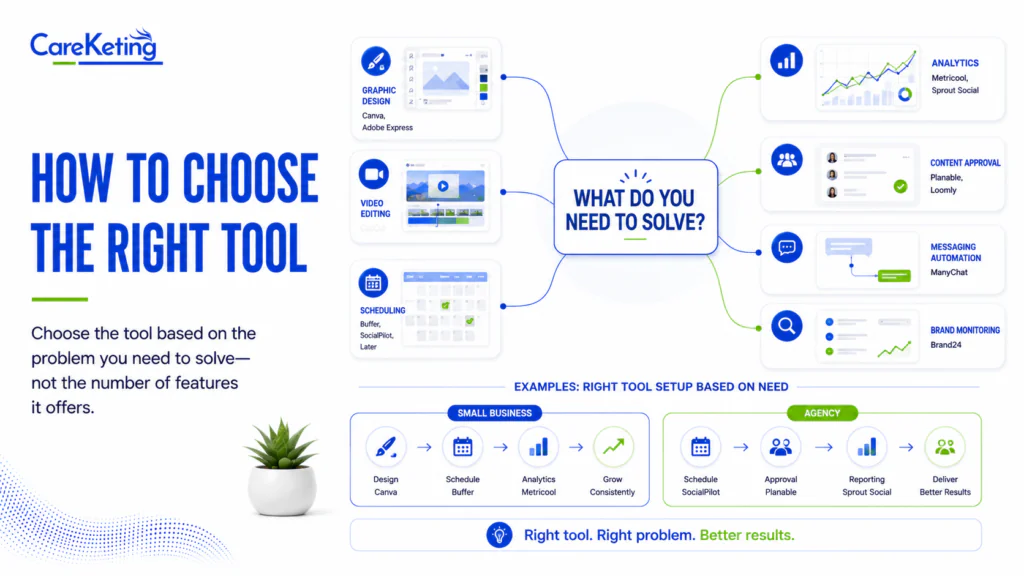
Choose the tool based on the problem you need to solve.
Need | Useful Tools |
Graphic design | Canva, Adobe Express |
Video editing | CapCut |
Scheduling | Buffer, SocialPilot, Later |
Analytics | Metricool, Sprout Social |
Content approval | Planable, Loomly |
Messaging automation | ManyChat |
Brand monitoring | Brand24 |
For example, a small local business might only need Canva for design, Buffer for scheduling, and Metricool for tracking performance.
An agency managing several clients may need SocialPilot or a more advanced platform with approval and reporting features.
Common Mistakes
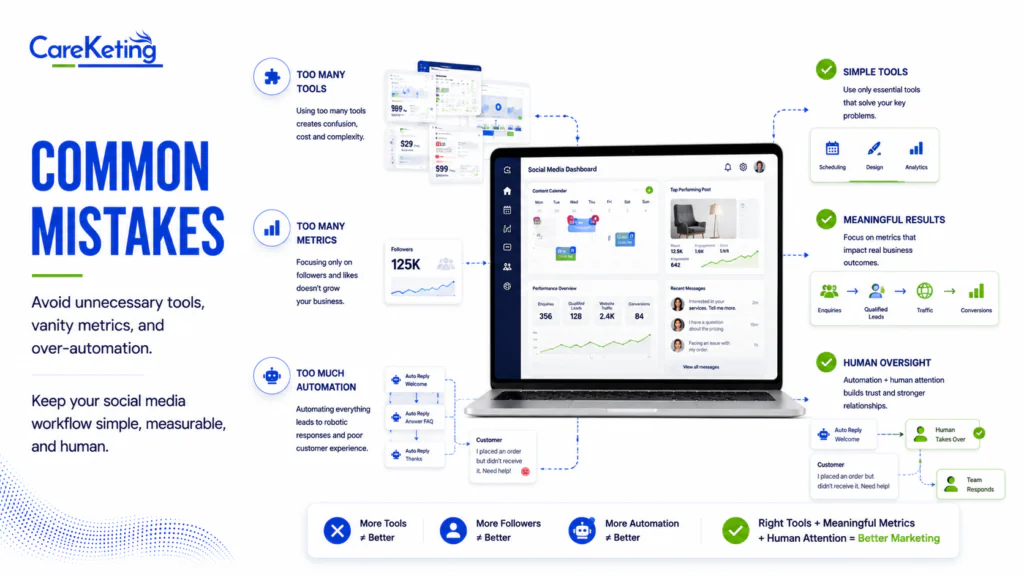
Using too many tools
Buying multiple subscriptions can increase costs and make your workflow complicated. Start with the tools that solve your biggest problems.
Measuring only followers
Followers are not the only measure of success. Businesses should also track enquiries, qualified leads, website traffic, engagement, and conversions.
Automating everything
Automation saves time, but customer conversations still need human attention. Important comments, complaints, and sales enquiries should be handled carefully.
Frequently Asked Questions
What are social media marketing tools?
They are software platforms that help businesses create, publish, schedule, manage, and measure social media content.
What is the best social media marketing tool for beginners?
Canva, Buffer, CapCut, and Meta Business Suite are practical starting points for beginners.
Which tools are best for small businesses?
Canva is useful for content creation, while Buffer or SocialPilot can help with scheduling and management.
Are social media marketing tools worth paying for?
They can be valuable when they save time, improve organization, provide useful data, or support lead generation.
How many tools does a business need?
There is no fixed number. Many small businesses can start with two or three tools and add more as their requirements grow.
Conclusion
The best social media marketing tools are not necessarily the platforms with the most features. They are the ones that fit your business requirements and make your marketing process easier.
Start with the basics. Identify where your team is losing time, choose a tool that solves that problem, and measure whether it actually improves your workflow.
A simple system is often better than a complicated collection of software.